Stock & warehouses
Keep your inventory in sync with reality across warehouses, movements and suppliers.
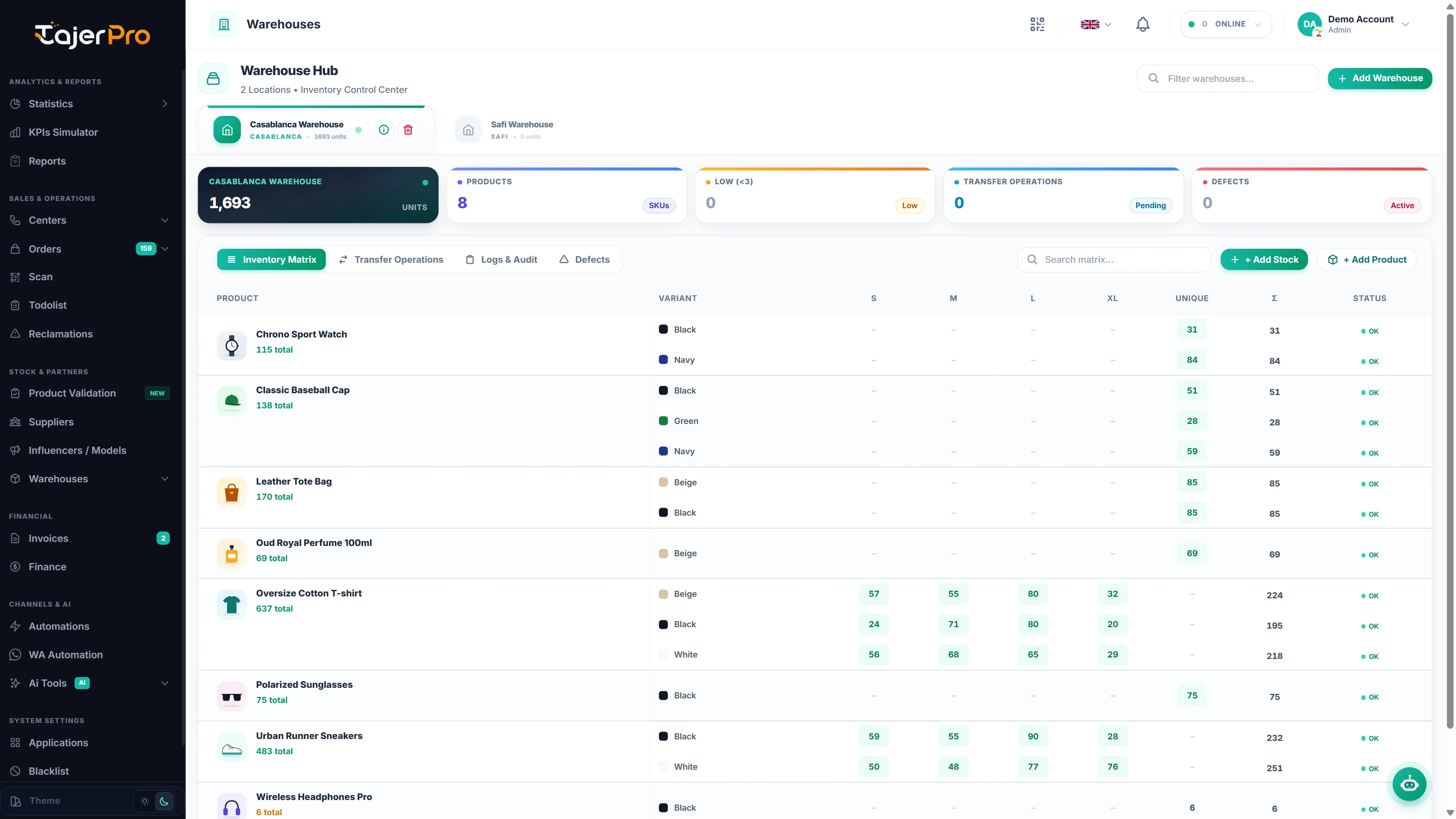
Warehouses
Section titled “Warehouses”Warehouses lists your storage locations. Open a warehouse to see its stock, add products and stock, transfer between warehouses, record defects and read the audit log — see Warehouse details. You can create a warehouse without products and add them later.
Sent Inventory
Section titled “Sent Inventory”Sent Inventory takes stock out of a warehouse when orders leave with the carrier (picked up / Ramassé). Pending orders are flagged with a badge so nothing is missed — see Sent Inventory.
Stock Returns
Section titled “Stock Returns”Stock Returns puts stock back when returned orders reach you — see Stock Returns.
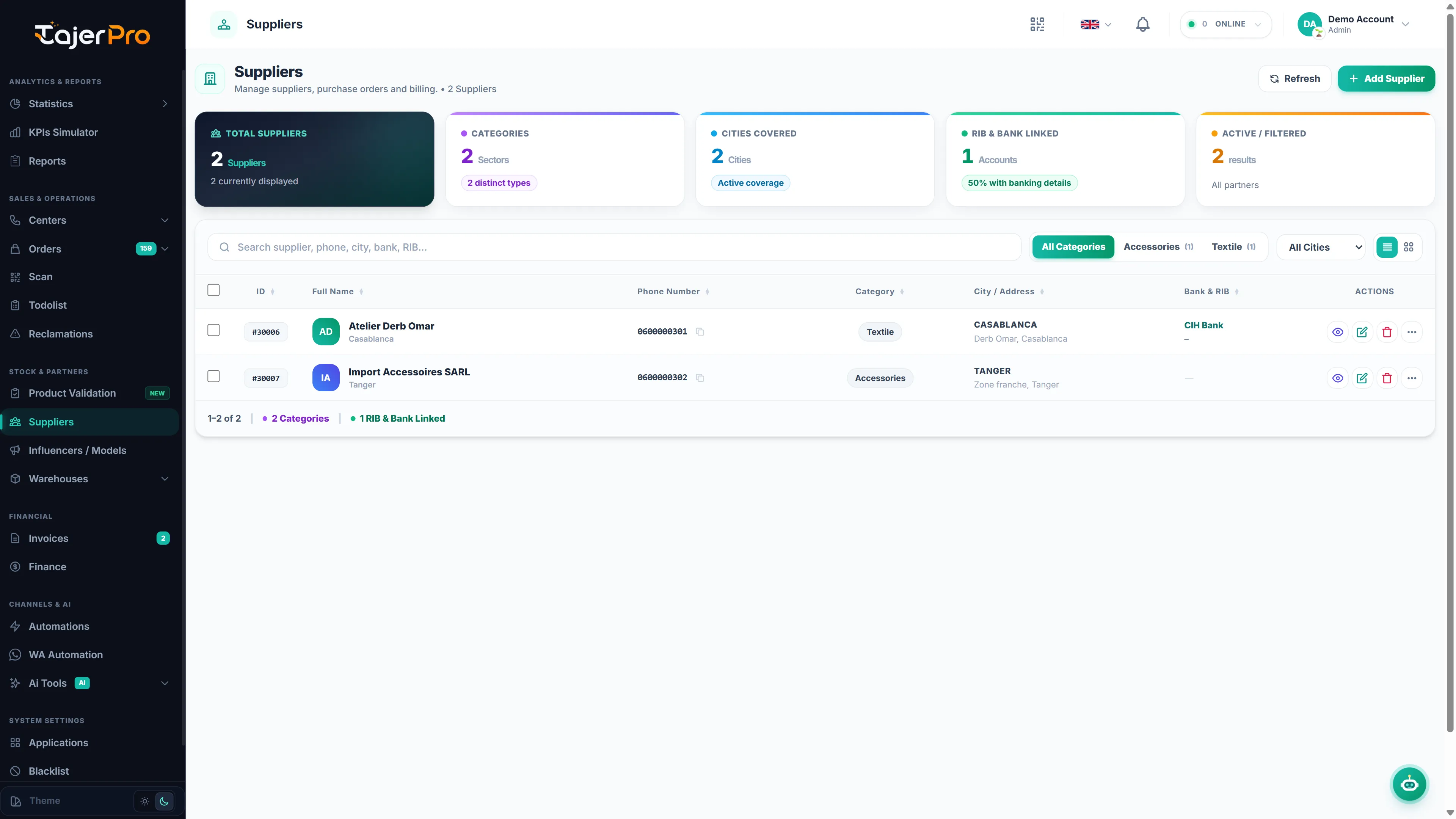
Suppliers
Section titled “Suppliers”Suppliers manages who you buy from, the orders you place with them (received goods go straight into a warehouse) and your supplier invoices — the product costs there feed COGS in your reports. See Suppliers.