

Integrations overview
The Applications page is TajerPro’s integration marketplace. From here you connect the outside services that feed and fulfil your orders.
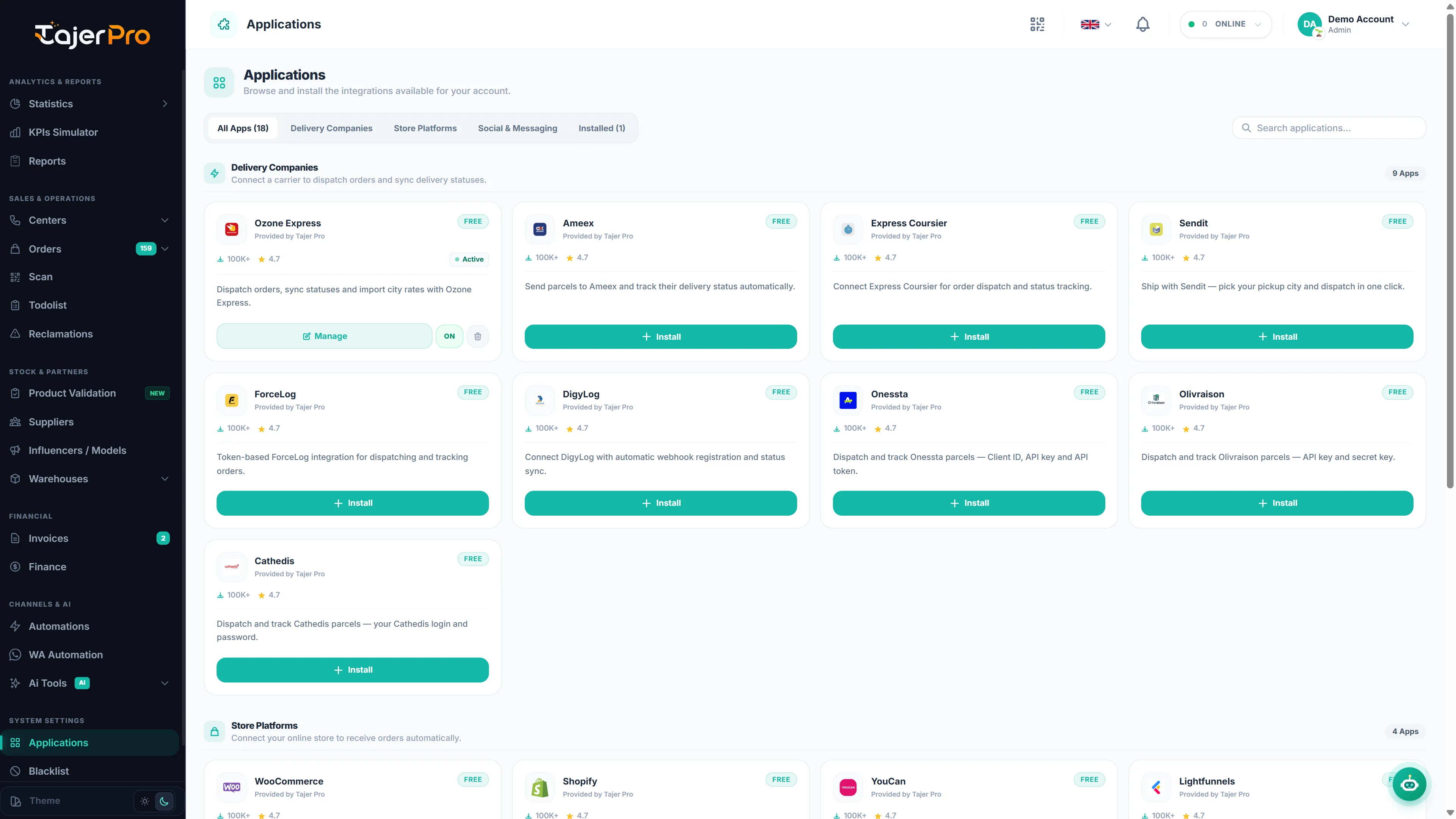
Categories
Section titled “Categories”- Store platforms — WooCommerce, Shopify, YouCan and Lightfunnels. New orders sync into TajerPro automatically, and you can import products.
- Delivery carriers — dispatch orders and sync delivery statuses (Ameex, Onessta, Sendit, Ozone Express, Cathedis, DigyLog, ForceLog, Olivraison, Express Coursier). Map each carrier status to yours in Status mapping.
- Social channels — Facebook and Instagram auto-reply rules for comments (fixed or AI replies).
- WhatsApp — link your numbers for automatic messages, campaigns and the AI assistant — see WhatsApp.
- Twilio SMS — link your own Twilio account to send SMS from Automations.
- Telegram — connect your own bot for free team alerts from Automations.
- Google Sheets — share your sheets with TajerPro and link them, then every order can add a row (see Automations › Google Sheets). Incoming webhooks (Zapier, Make, n8n…) are set up right in the automation.
Connecting an app
Section titled “Connecting an app”Open Applications, pick an app, and follow its setup: enter the credentials it needs (or authorize it), then it appears as connected. Each app has its own setup page with the exact fields and a short walkthrough.