

Products
The Products page is your catalog. It manages products together with their colors, sizes and variants, so orders can reference exactly what the customer bought.
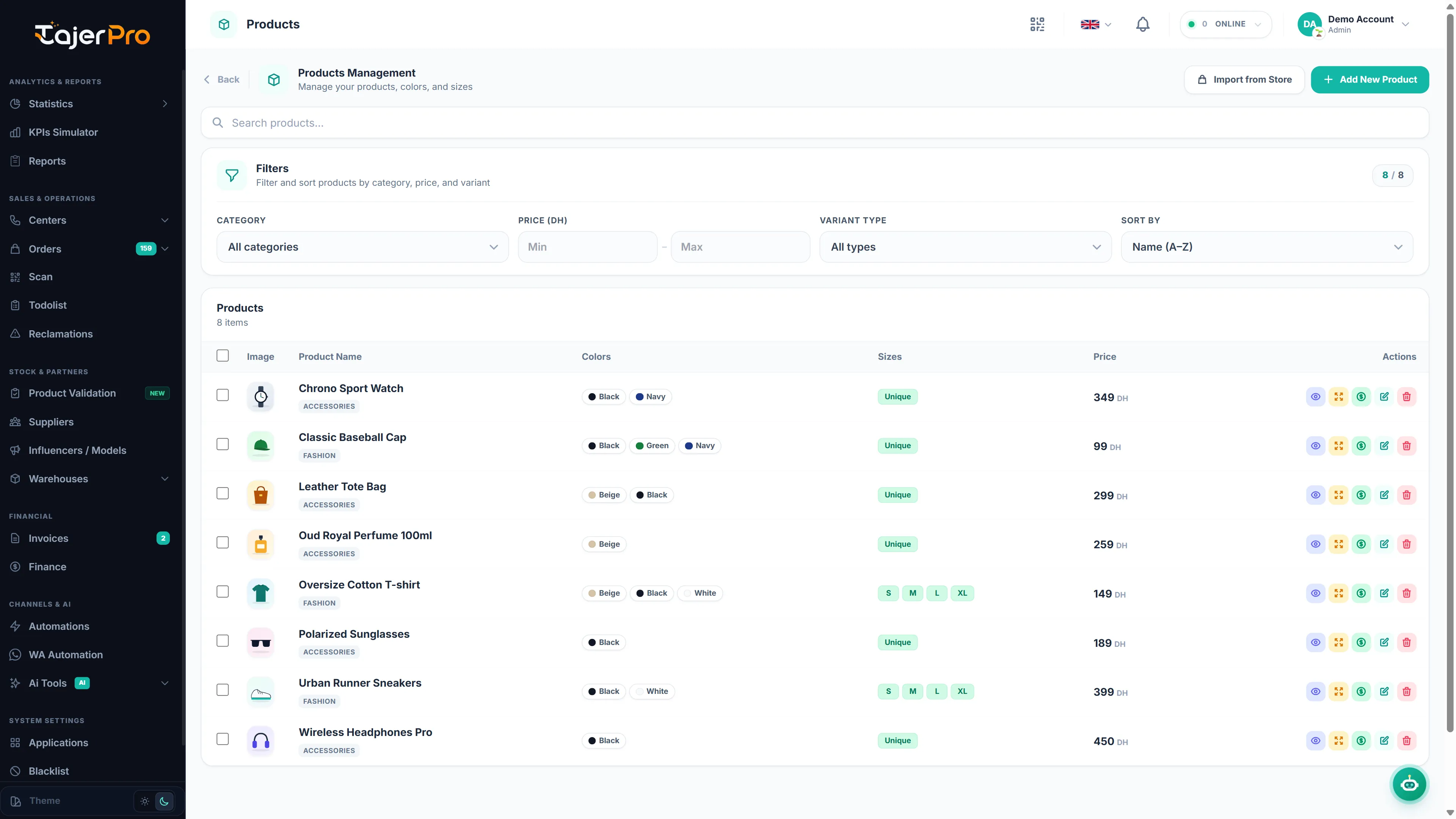
- Products — every product with its image, colors, sizes and price.
- Colors — the color options used across products.
- Sizes — the size options.
Counts on each tab show how many items you have.
Add / edit / delete a product
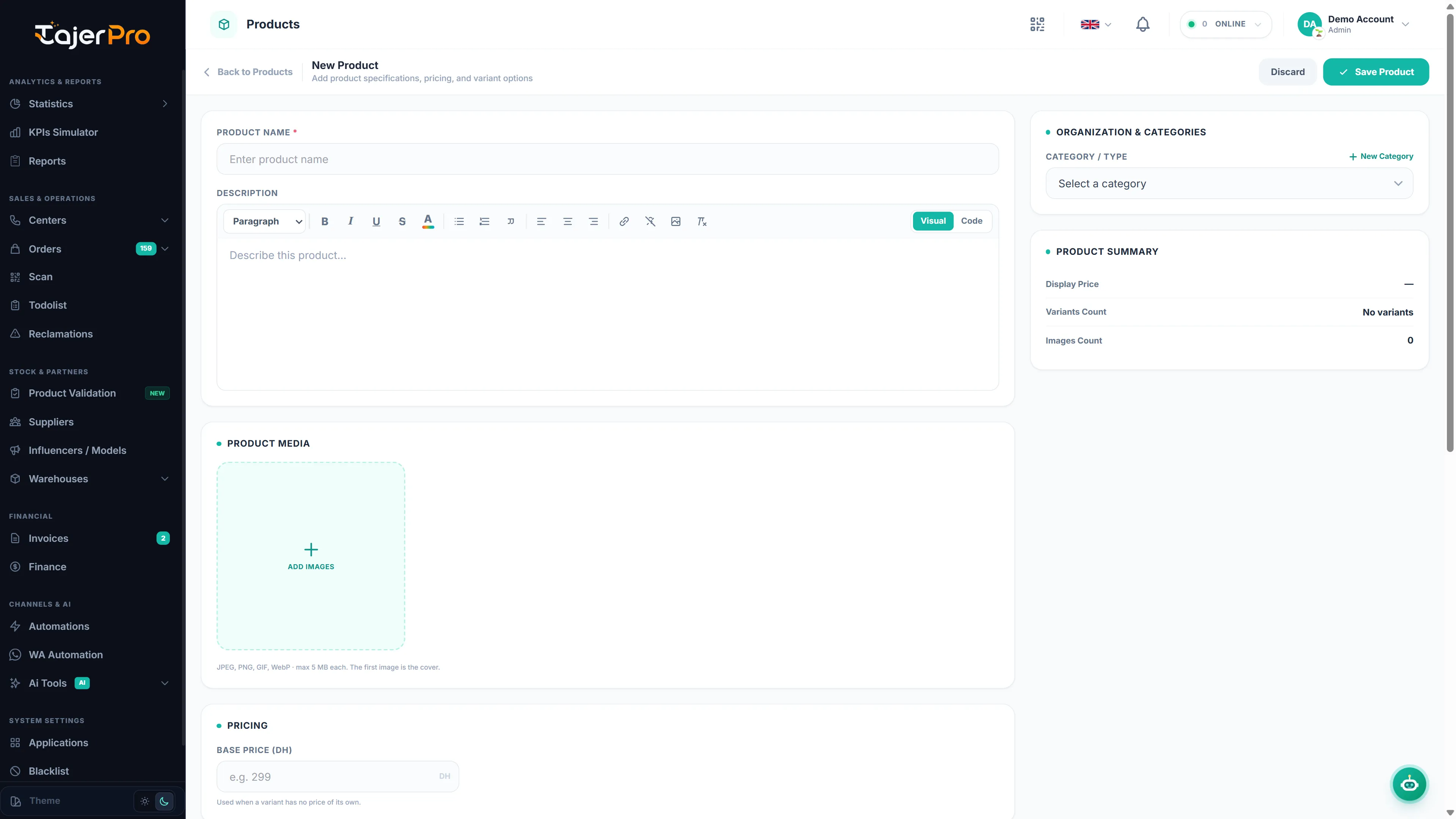
Section titled “Add / edit / delete a product”- + Add New Product — create a product: name, image, price, category, and its color/size variants (choose a variant type — grouped, color, size, or size × color).
- Edit (pencil) on a row — change any detail or its variants.
- Delete — remove a product (permission-gated).
Use the search box and the filters (category, price range, variant type, sort) to find products quickly.
Variants
Section titled “Variants”A product can have variants by color, size, or both. Variants carry their own price/cost where needed, and are what the order picker and Call Center offers use when asking an agent to choose a color/size.
Import from a store
Section titled “Import from a store”Import from Store pulls products from a connected store platform so your catalog matches your storefront — see Store integrations.
Shopify: just your store link. In Import from Store, paste your store link (for example
maboutique.com or maboutique.myshopify.com) and click Test & save — TajerPro shows your
published products with their photos, sizes, colours, prices and SKUs. Nothing else to set up — the
store just must not be password-protected.
Product Research
Section titled “Product Research”Before adding a new product to your catalog or launching paid ads, check product ideas against a winning-product checklist.
📖 Read the full guide: Product Research