

Facebook & Instagram
Connect Facebook and Instagram to reply automatically to comments on your posts — for example, everyone who comments “prix” or “chhal” gets an answer in seconds.
Connecting
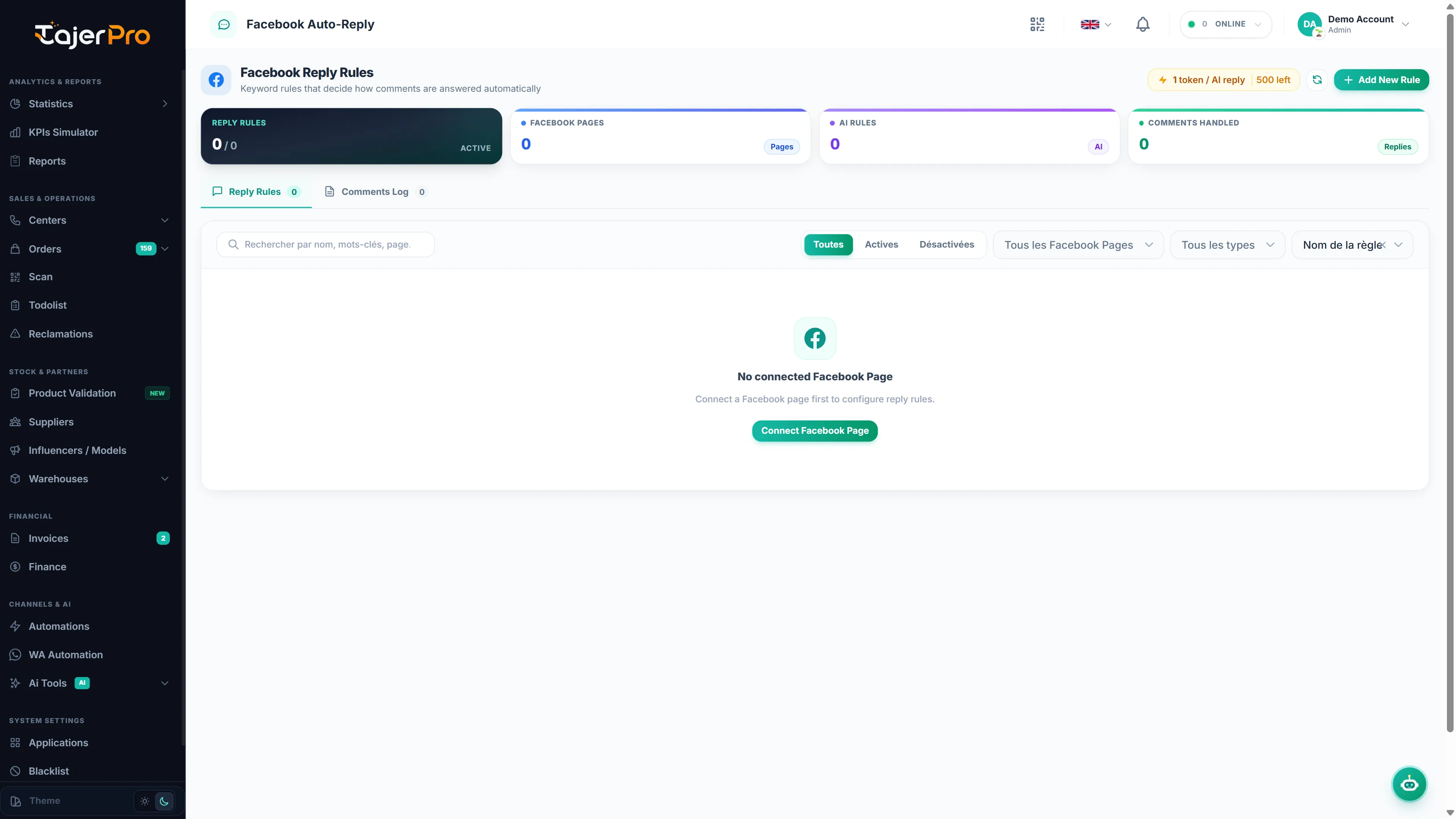
Section titled “Connecting”From Applications, connect Facebook and/or Instagram via Facebook Login and pick which Page(s) / account(s) to link. TajerPro requests only the permissions needed to read comments on your pages and post replies.
Once connected, Facebook Reply Rules and Instagram Reply Rules appear in the sidebar. Without a connected page or account, the page shows No connected Facebook Page / No account connected with a link to connect one.
Reply rules
Section titled “Reply rules”A rule decides which comments get an answer and what the answer is. Click Add New Rule and fill in:
-
Facebook Page (or the Instagram account) the rule applies to.
-
Rule Name — for example Price Inquiry Reply.
-
Match Type:
Match type Fires when Any Keyword the comment contains any of the keywords All Keywords the comment contains all of the keywords Exact Match the comment is exactly one of the keywords Default Fallback no other rule matched — a catch-all reply for any comment -
Keywords (comma separated) — for example
prix, taman, chhal, combien, price. -
Reply Mode:
- Static Template — the same Public Reply (under comment) every time.
- AI Dynamic Reply — write AI Instructions (what to answer, prices, tone, language) and the AI writes a reply to each comment. Add a Fallback Reply (if AI fails).
-
The Rule active switch, then Save Rule.
In replies you can use {{name}} for the commenter’s name, {salam|ahlan} to pick one word at
random, and [optional text] for text that appears only sometimes — so replies don’t all look the
same.
Manage your rules from the list: search, filter by page, Match type and status (active / disabled), sort by name, type, number of triggers or newest, then Edit or Delete a rule, or select several at once.
Comments log
Section titled “Comments log”The Comments Log tab lists the comments received and what happened: date, user, the comment and the reply sent, the page and the status. Use Refresh to load the latest ones.
Rules run according to what you configure — TajerPro never uses this data for advertising and doesn’t build customer profiles.