

Delivery carriers
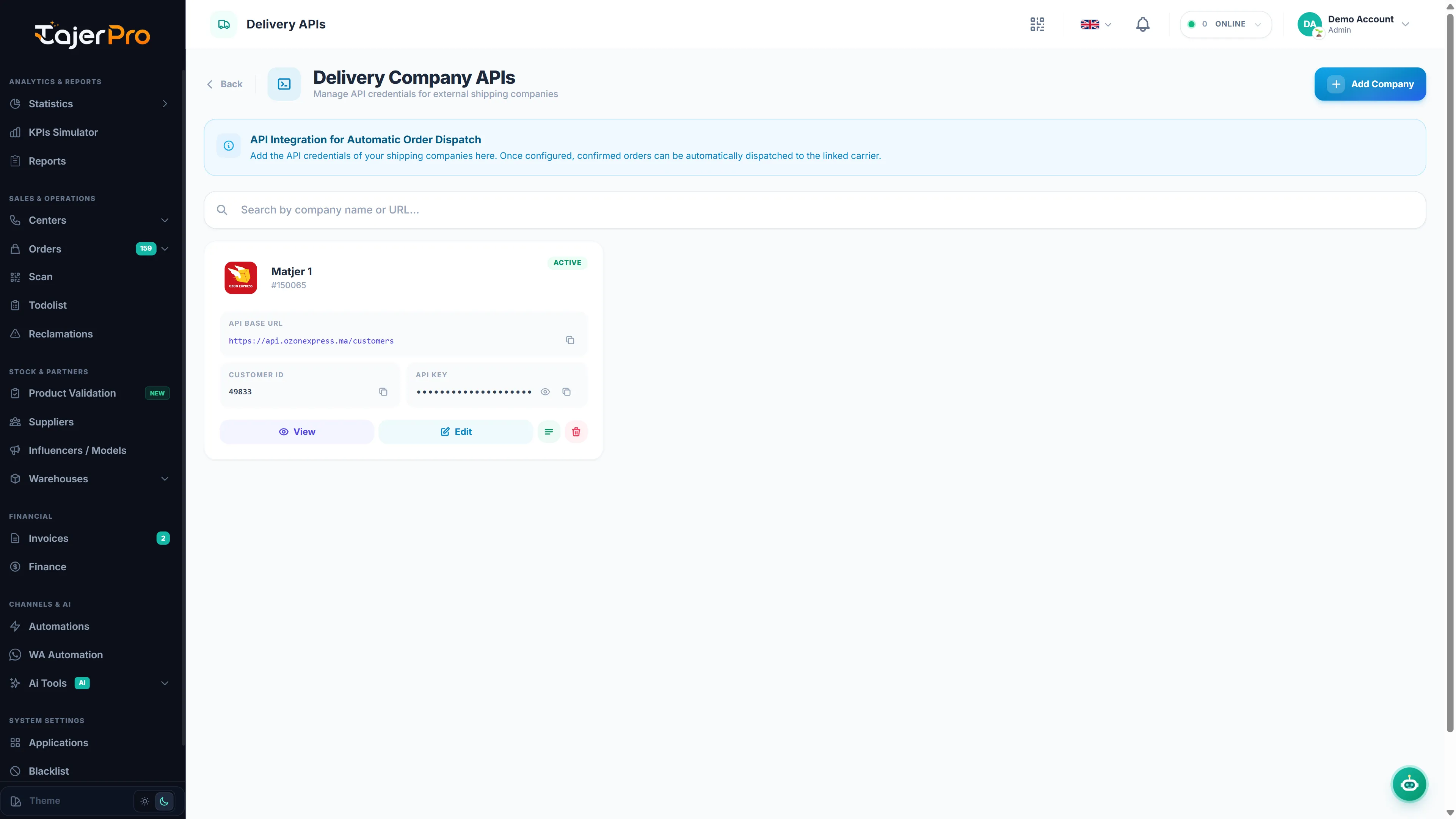
Connect a delivery carrier to dispatch orders and have their delivery statuses sync back automatically.
Supported carriers
Section titled “Supported carriers”Ameex · Onessta · Sendit · Ozone Express · Cathedis · DigyLog · ForceLog · Olivraison · Express Coursier.
Connecting
Section titled “Connecting”- Open Applications (or Settings → Delivery APIs) and pick the carrier.
- Enter the credentials it requires — this varies by carrier (API key, API token, Client ID, login & password, secret key…). The setup page lists exactly what’s needed.
- Save. The carrier shows as connected and is available when dispatching orders.
After connecting
Section titled “After connecting”- Dispatch confirmed orders to the carrier (single or bulk); TajerPro stores the returned tracking number.
- Delivery events from the carrier update the order status automatically and feed the Suivi Center and Delivery statistics.
- Set up city mappings and delivery rates so addresses and fees resolve correctly — see Delivery & dispatch.
What is sent with each parcel
Section titled “What is sent with each parcel”With Dispatch to Carrier, Bulk Dispatch to Carrier and automatic dispatch alike:
- Note / comment of the parcel: your team’s latest note on the order. If there is no note, the products are listed instead, with the second phone number. Automatic system notes are not sent.
- Change orders (
-C, see Exchanges & returns): the carrier is told the parcel is an exchange, with the original parcel’s reference when the carrier supports it.
Parcel options and automatic dispatch
Section titled “Parcel options and automatic dispatch”On the carrier’s setup page, open the Settings tab.
-
Parcel Options: the instructions sent with every parcel, such as letting the customer open or try the package, or marking it fragile. Each carrier shows only the options it offers.
-
Automatic dispatch: send orders to this carrier without clicking Dispatch to Carrier.
- Turn on Send orders automatically.
- In Send when the order status becomes, pick a status. The default is Confirmed.
- Click Save Changes.
TajerPro automatically sends each order that reaches that status to the carrier. It stores the tracking number and moves the order to Attente De Ramassage, the same as a manual dispatch.
Once it is saved, Send the orders already waiting shows how many orders are in that status and were never sent (including those from before you turned it on). Click Send all (N), confirm, and TajerPro sends them, then shows how many were sent and why the others failed.
Accounts with automatic dispatch on show an Auto badge in the account list and on the carrier’s card in Applications.