

Offers
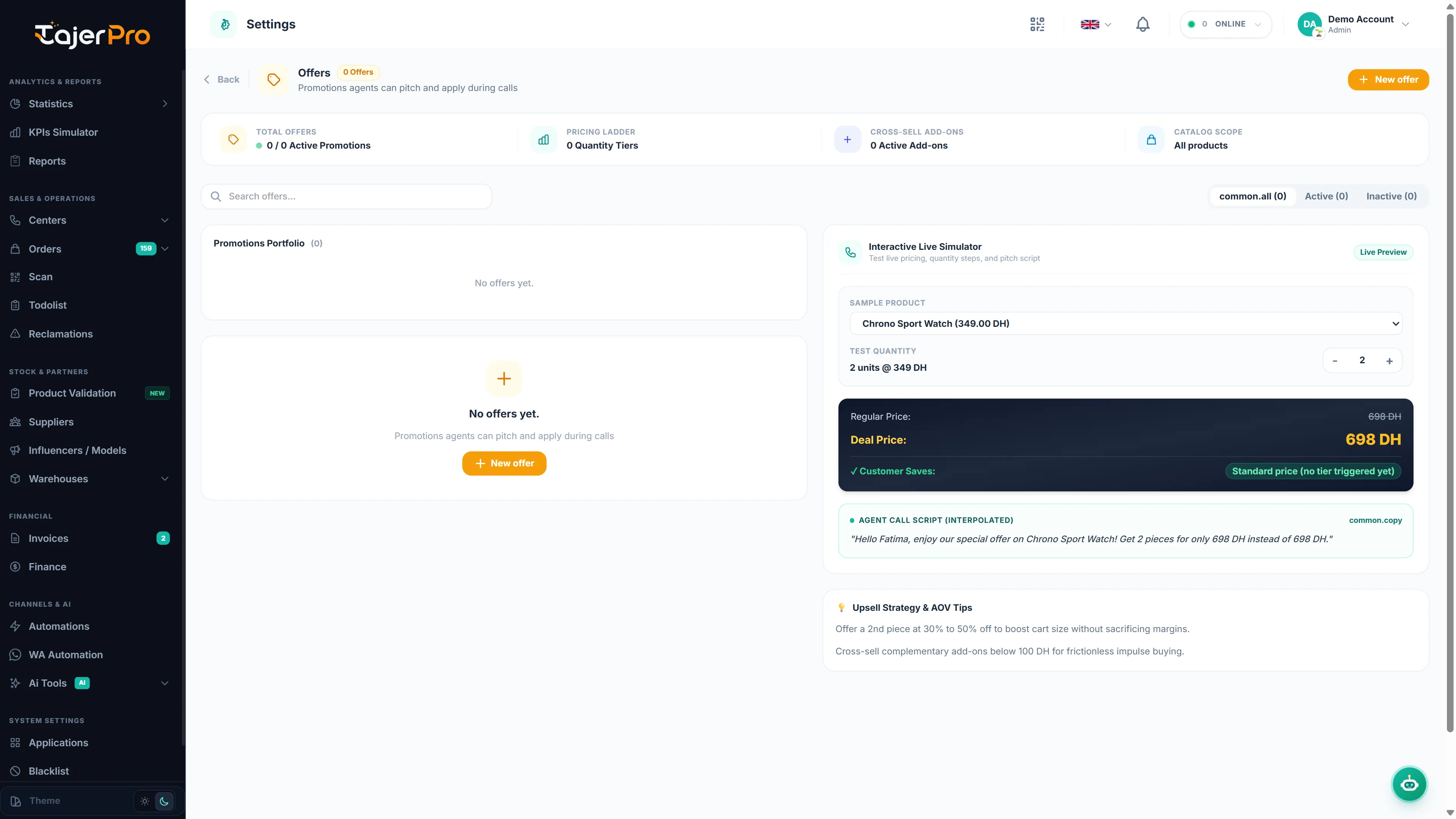
Settings → Offers is where you create the promotional offers that agents apply as upsells during confirmation.
Creating an offer
Section titled “Creating an offer”- Give the offer a name and add the product(s) it includes (with quantities/prices).
- Save it — it becomes available in the Call Center Offers tab for orders whose products match.
When an agent applies an offer whose product has variants, they’re prompted to pick the color / size before it’s added to the order.