

Store integrations
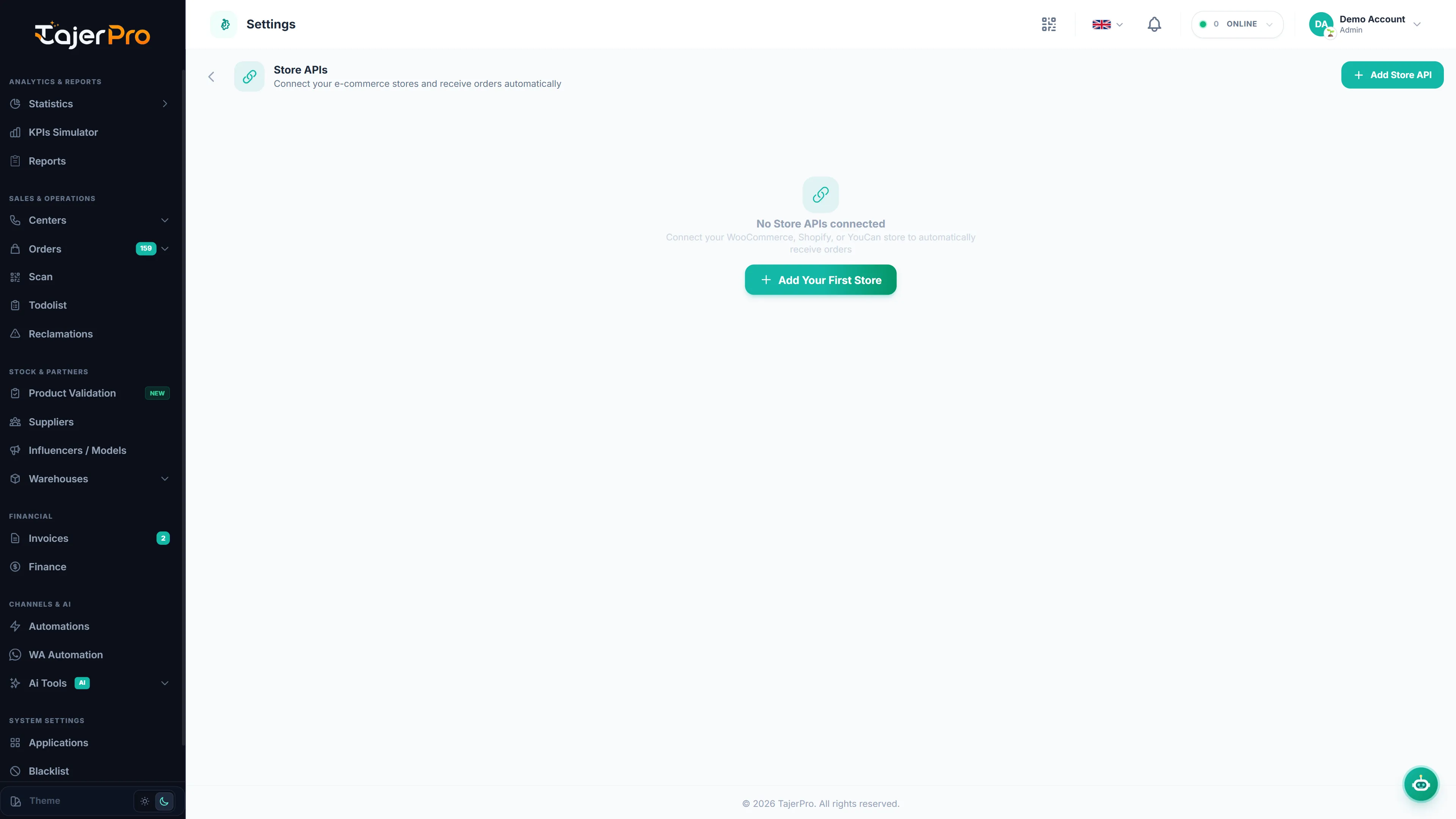
Connect your online store so new orders flow into TajerPro automatically and you can import your product catalog. Supported platforms: WooCommerce, Shopify, YouCan and Lightfunnels.
How order sync works
Section titled “How order sync works”When a store is connected, each new store order appears in your Orders list right away, with the customer, phone, city, address, products and total filled in. If a city isn’t recognised, it is kept so you can fix it.
Connecting a store
Section titled “Connecting a store”-
Open Applications and choose your platform (WooCommerce, Shopify, YouCan, Lightfunnels).
-
Follow the setup:
- YouCan / Lightfunnels — authorize with OAuth (one click) and the store links itself.
- WooCommerce / Shopify — add the connection using the details shown on the setup page.
-
Once linked, review the field mapping (a sensible default is pre-filled) and adjust if your store uses custom fields.
Importing products
Section titled “Importing products”Use Import from Store on the Products page to pull your catalog in, so orders reference the right products and variants. For Shopify, the store link is all you need to import your published products.
Installing from the YouCan app store
Section titled “Installing from the YouCan app store”YouCan merchants can install TajerPro directly from YouCan: clicking Install connects the store and signs you into TajerPro automatically (a workspace is created for you on first install). No separate sign-up or token copying required.
Frequently Asked Questions — Store Integrations
Why are my YouCan or Shopify orders not displaying immediately in TajerPro?
Check in Applications that your store shows as connected. New orders arrive automatically within moments.
What should I do if city names from my store don't match TajerPro city names?
Go to Settings → Store City Mappings and choose the right city for any city name your store sends.
Can I connect multiple YouCan and WooCommerce stores to the same TajerPro account?
Yes! TajerPro supports unlimited multi-store connections. Every order will be automatically tagged with its originating store source.