

Introduction
TajerPro is an all-in-one CRM for e-commerce and COD (cash-on-delivery) sellers. It brings your whole operation into one place: orders, confirmation calls, delivery tracking, stock, suppliers, invoicing, WhatsApp automation, AI tools and analytics — with fine-grained roles so every team member sees only what they need.
What you can do
Section titled “What you can do”- Orders — receive orders (manually, imported, or synced from your store), then confirm, dispatch, track and get paid. See Orders.
- Call Center & Suivi — dedicated cockpits where agents work one order at a time: a personal queue, one-tap statuses, ready-made WhatsApp/SMS templates, upsell offers and full history. See Call Center and Suivi Center.
- Delivery — connect carriers, dispatch orders and sync their statuses automatically. See Delivery & Dispatch.
- Products & Stock — manage products, variants, warehouses and suppliers. See Products.
- Money & Reports — track cash flow, generate invoices, and read reports for any period, a KPI simulator and live statistics. See Reports & KPIs.
- Integrations — WooCommerce, Shopify, YouCan, Lightfunnels, plus Facebook/Instagram reply rules. See Integrations.
How this guide is organized
Section titled “How this guide is organized”The sidebar mirrors the app’s own navigation. Each section starts with an overview of the page, then documents the concrete operations (add, edit, delete, and everything in between) exactly as they appear in the interface.
Signing in
Section titled “Signing in”Open tajerpro.co.ma and sign in with your email and password. If your workspace was created for you, the owner provides your credentials. Store owners who install TajerPro from an app store (e.g. YouCan) are signed in automatically — see Store integrations.
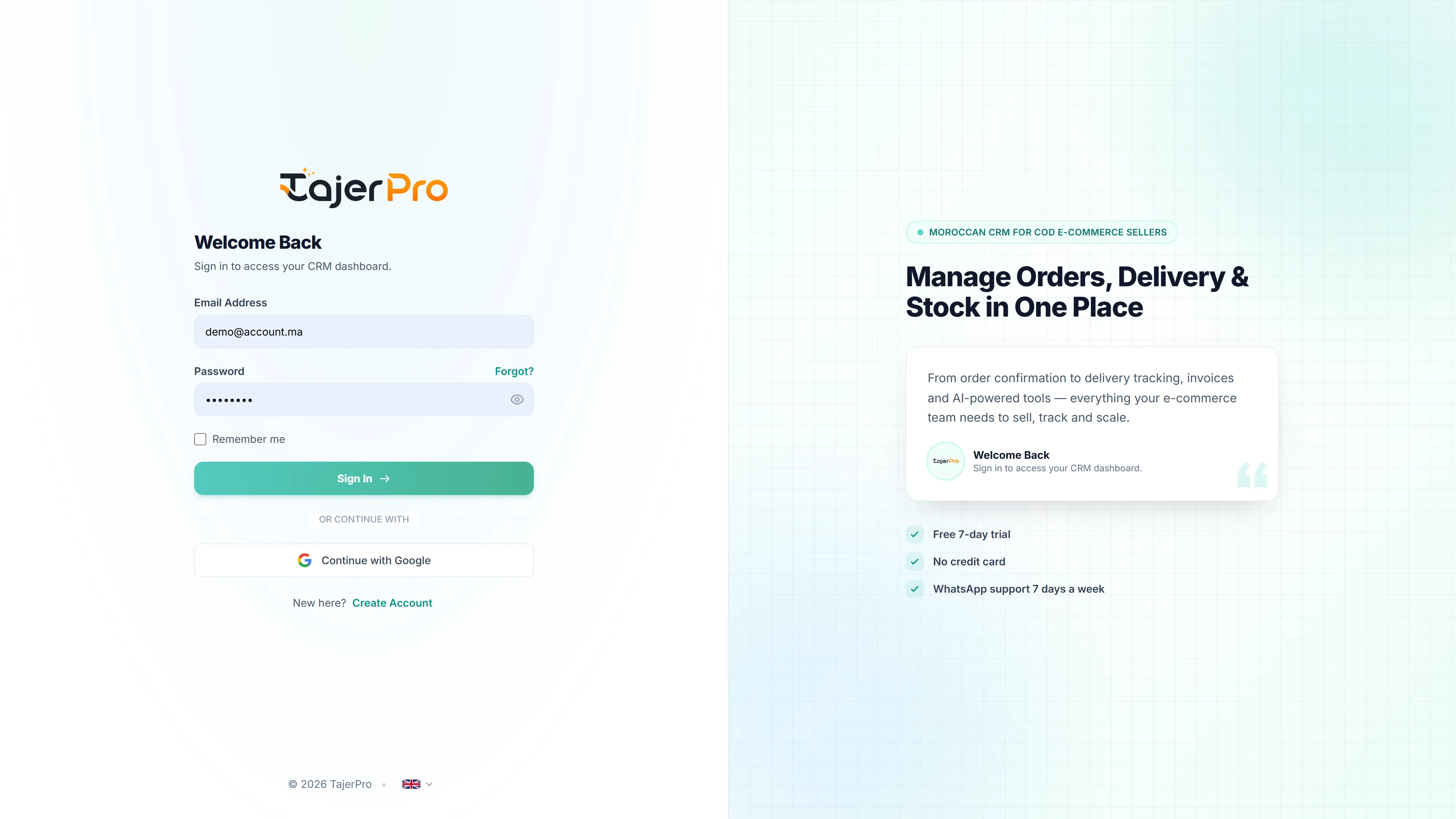
You can also continue with Google, tick Remember me to stay signed in, or switch the interface language (English / French / Arabic) from the selector at the bottom.