

Settings overview
Settings is where the owner tailors TajerPro to the business. Highlights:
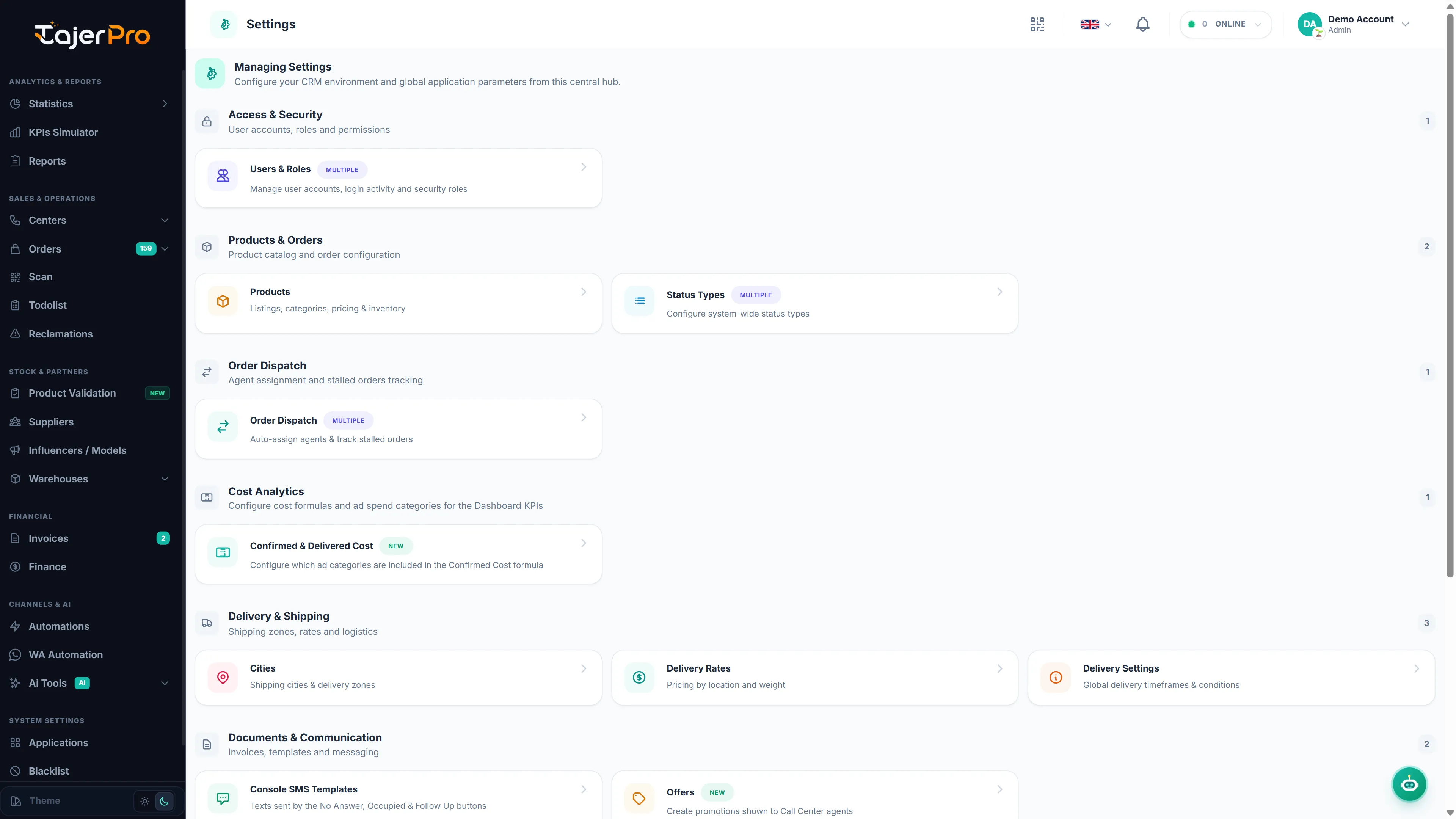
Status types
Section titled “Status types”Customize the lists used everywhere in the app:
- Order status and Order status payment (payment states)
- Invoice status
- Money management status
- Source of order
- Reclamation subjects and Reclamation statuses
- Influencer styles
Catalog & logistics
Section titled “Catalog & logistics”- Cities — your city list (used by orders, rates and mappings).
- Delivery rates — per-city delivery / refused / change / refund fees per invoice type.
- Invoice types — the delivery invoice types.
- Delivery and Delivery APIs — carrier configuration.
- Store city mappings — choose the right city for a city name coming from your store.
Sales & messaging
Section titled “Sales & messaging”- Offers — promotional offers used in the Call Center.
- SMS templates and Console SMS.
- Order Dispatch — share new orders between Call Center agents, and the Stalled Orders Monitor.
- Backup & Restore — download, restore or back up to Google Drive.
- AI settings — configure the AI Tools.
- Store APIs — manage connected stores.