

Search & filters
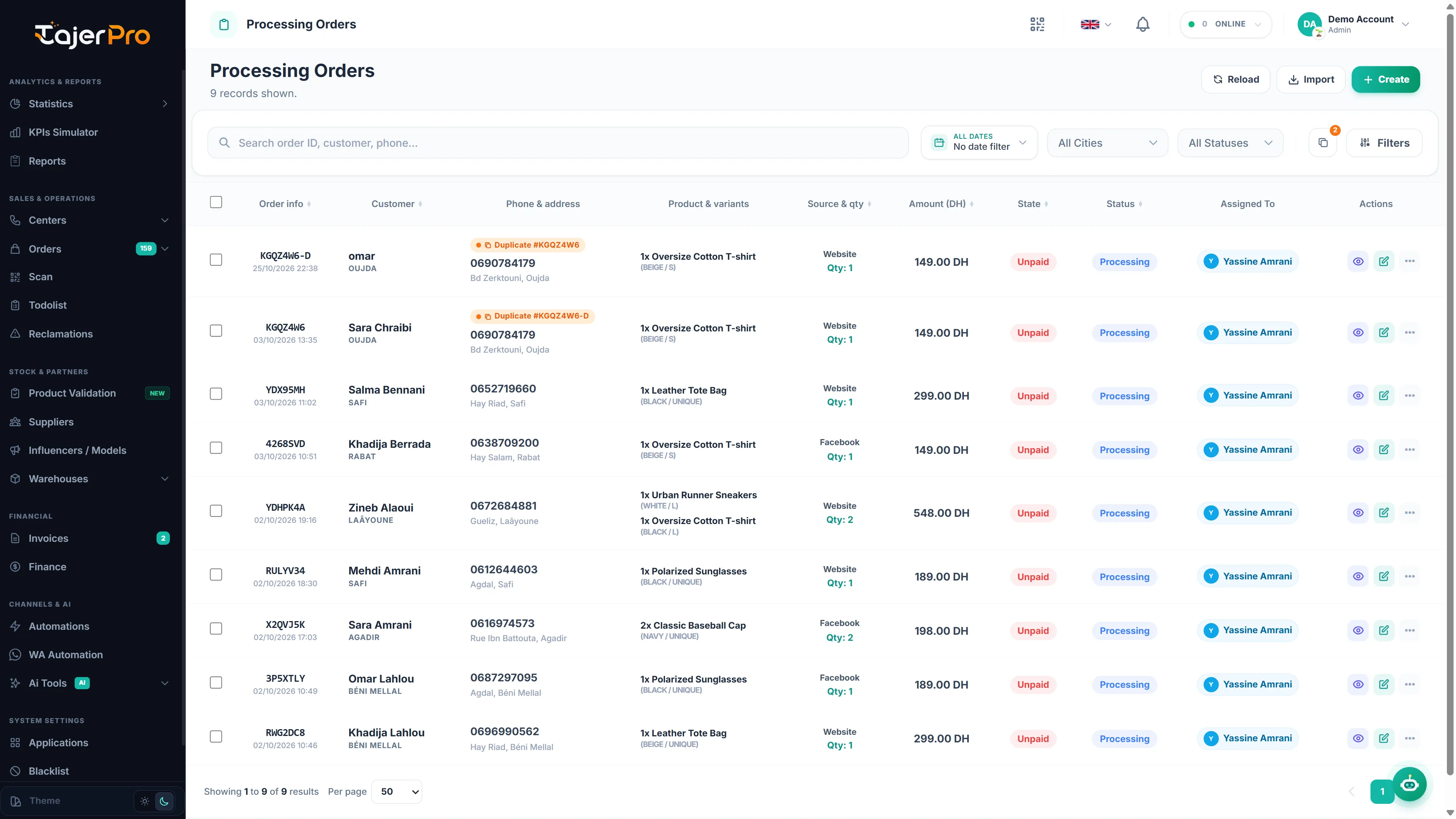
Every order list shares the same powerful search and filter bar.
Search
Section titled “Search”Type in the search box to match by order id, customer name or phone number. Results update as you type.
Filters
Section titled “Filters”Open Filters to narrow the list by:
- City and Status
- Payment state
- Source (where the order came from)
- Product
- Assigned to (team member)
- Date range (from / to)
Active filters stay applied as you page through results, and you can clear them at any time.
Sorting & paging
Section titled “Sorting & paging”Click a column header to sort; the list is paginated for speed. You can select all matching orders across every page so bulk actions cover the whole set, not just the current page.
Ready-made views
Section titled “Ready-made views”The sidebar’s order sub-pages (All / Processing / Confirmed / Suivi / Duplicate / Annulé-Confirmed) are just pre-filtered versions of this same list — any filter you add narrows within that view.